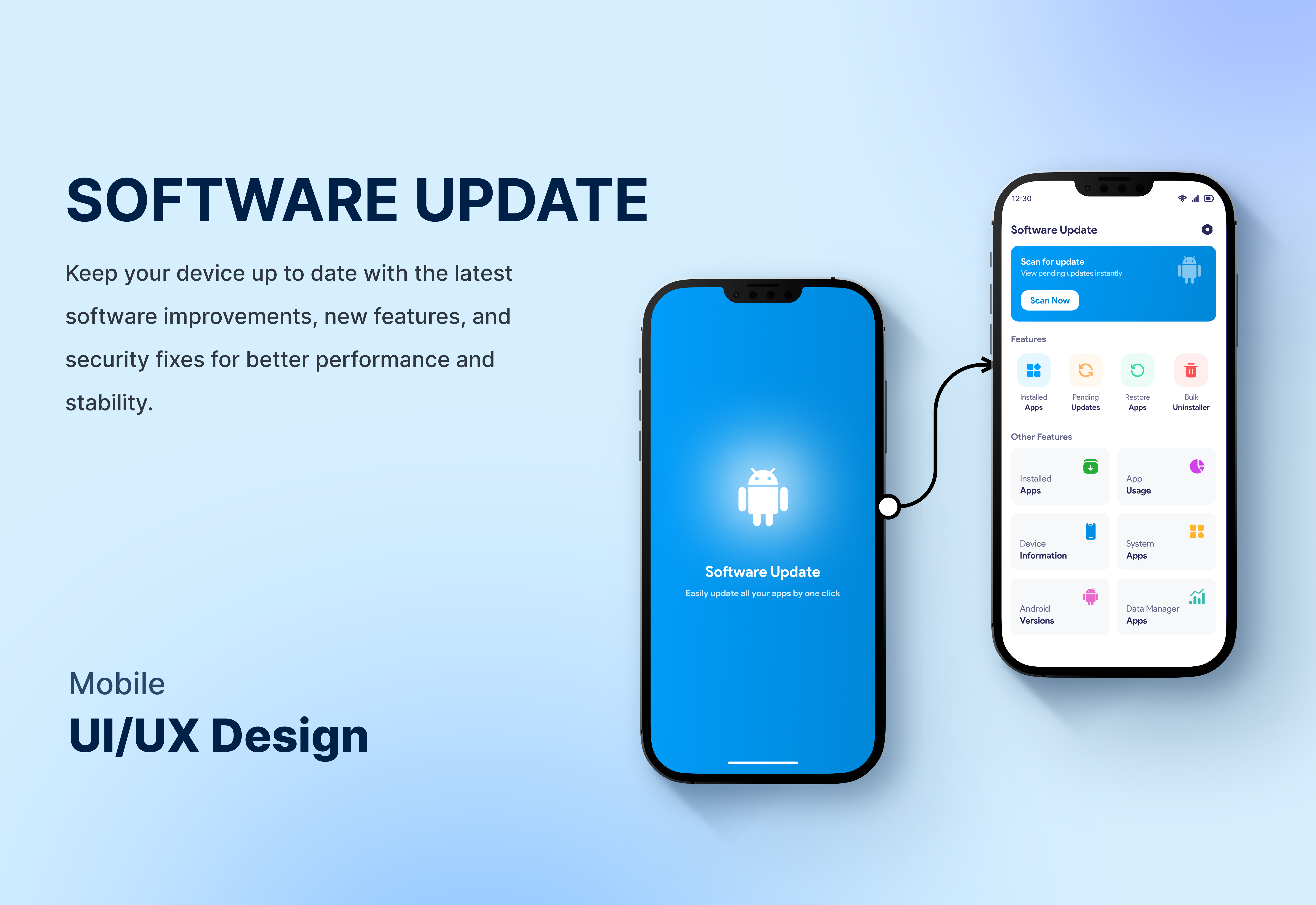
Software Update
A Software Update app helps keep your device up to date with the latest features, performance improvements, and security patches. It ensures smooth operation, better stability, and protection from vulnerabilities with easy one-tap updates.
Project Overview
A Software Update app is designed to keep your device running smoothly and securely by delivering the latest system updates, performance enhancements, and security patches. It scans your device for available updates and notifies you instantly so you never miss important improvements. With a simple one-tap update process, users can easily install new features, fix bugs, and improve overall stability without technical effort. The app ensures your device stays optimized, protected from vulnerabilities, and compatible with the latest software standards for a better and safer user experience. 🤖 Shows supported Android versions and latest update compatibility 🌙 Includes dark and light theme for better user experience 📱 Displays complete device information (model, storage, RAM, battery, etc.) 🔄 One-tap software update check for quick system upgrades 🛡️ Improves security with latest patches and fixes ⚡ Enhances device performance and stability after updates
The Challenge
Many users are unaware of their device’s latest software updates, supported Android version, and system details. This leads to outdated systems, poor performance, security risks, and confusion about device compatibility. Most users also find it difficult to manually check updates or understand technical device information.
Our Solution
Our Software Update app simplifies everything by automatically detecting available updates, showing supported Android versions, and displaying complete device information in one place. With a clean interface, dark/light themes, and one-tap update checks, it ensures users keep their devices secure, updated, and optimized without any technical hassle.